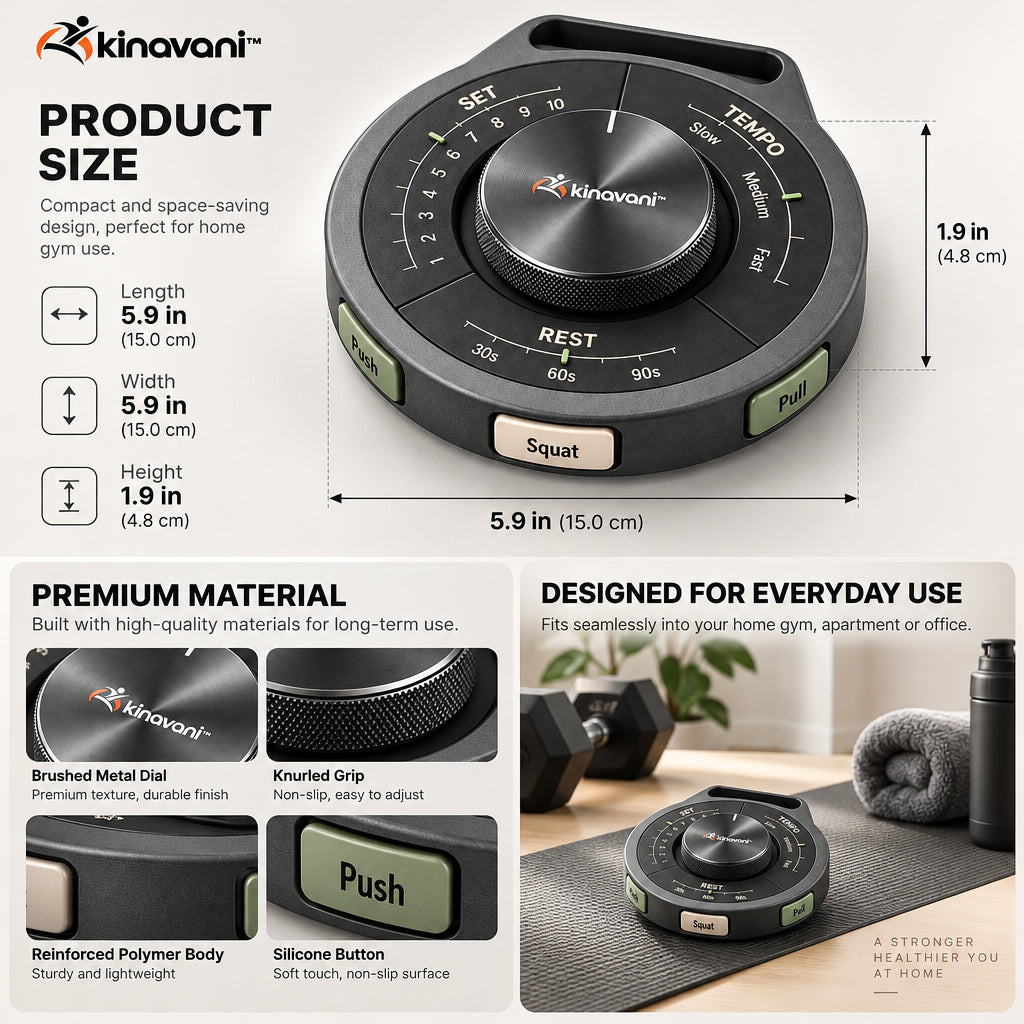
Visible set markings
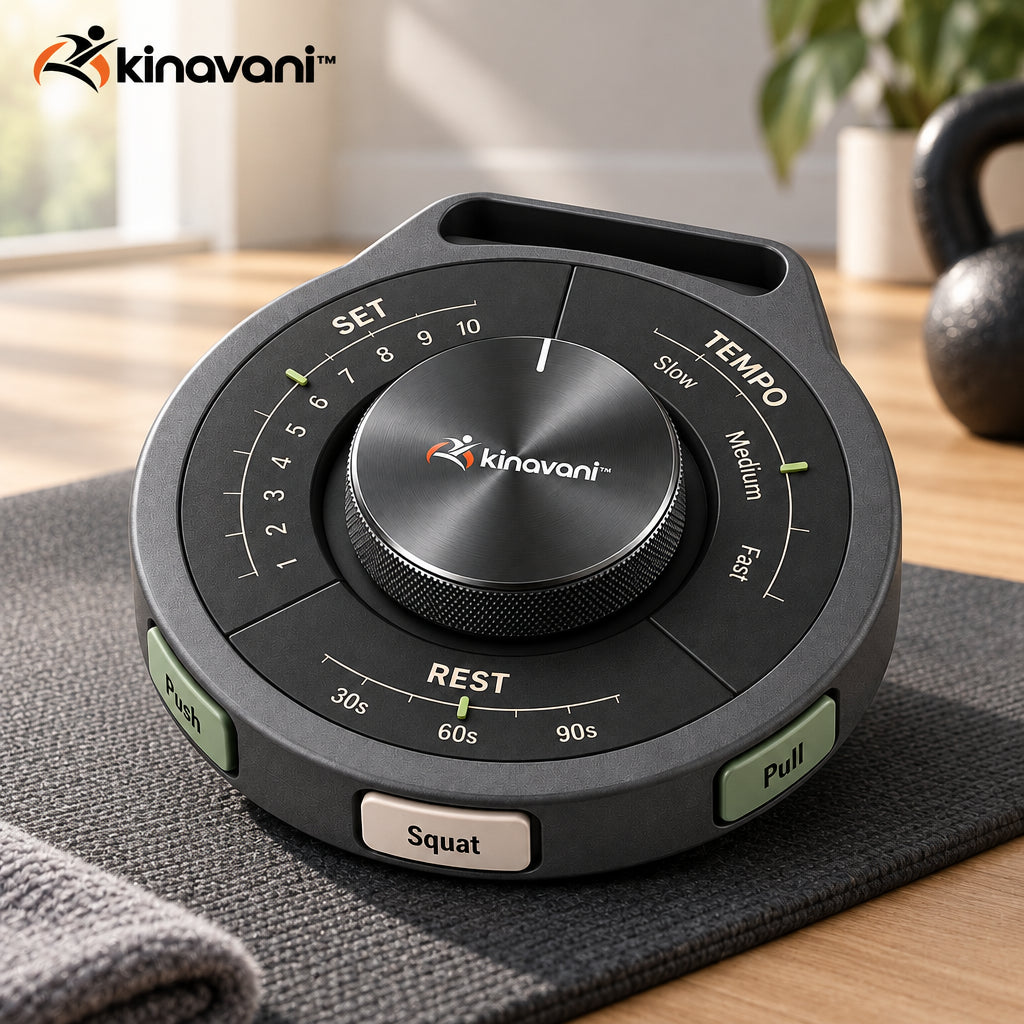
The numbered set area gives you a simple reference for workout progress. Update it manually between sets to keep track of where you are in the movement block.
kinavani™ — Thoughtful fitness essentials for the way you move.
kinavani™
Couldn't load pickup availability
kinavani™ / Strength Training & Athletic Performance
Keep your next set in sight.
Give your workout plan a tactile reference. TempoTrack Training Dial brings set markers, tempo cues and rest-interval markings together in a compact manual control, so your planned session has a clear visual point of reference.
01 / Product overview
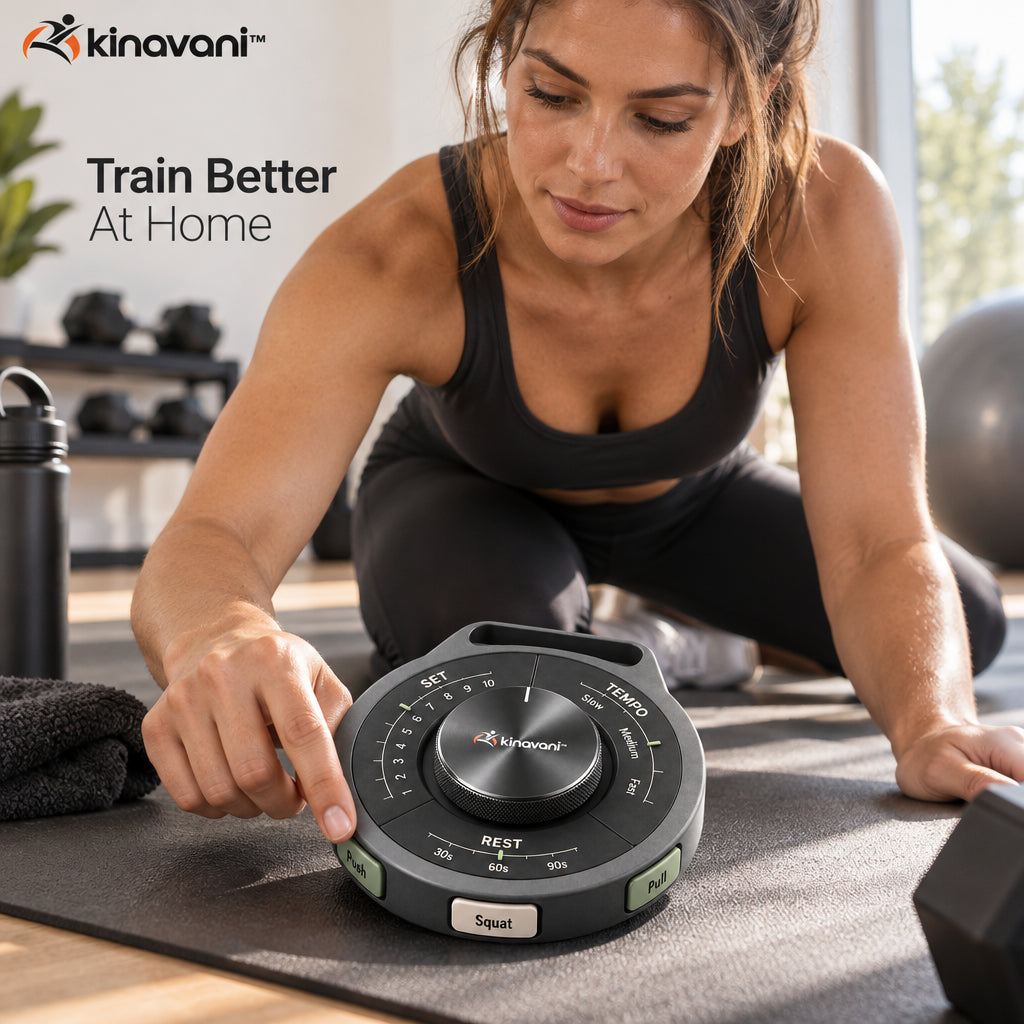
A session is easier to follow when you can see what comes next. Turn the dial to mark your progress, choose a pace cue and keep your intended rest interval visible. The physical layout gives your plan a place beside the mat without making a phone screen the center of the routine.

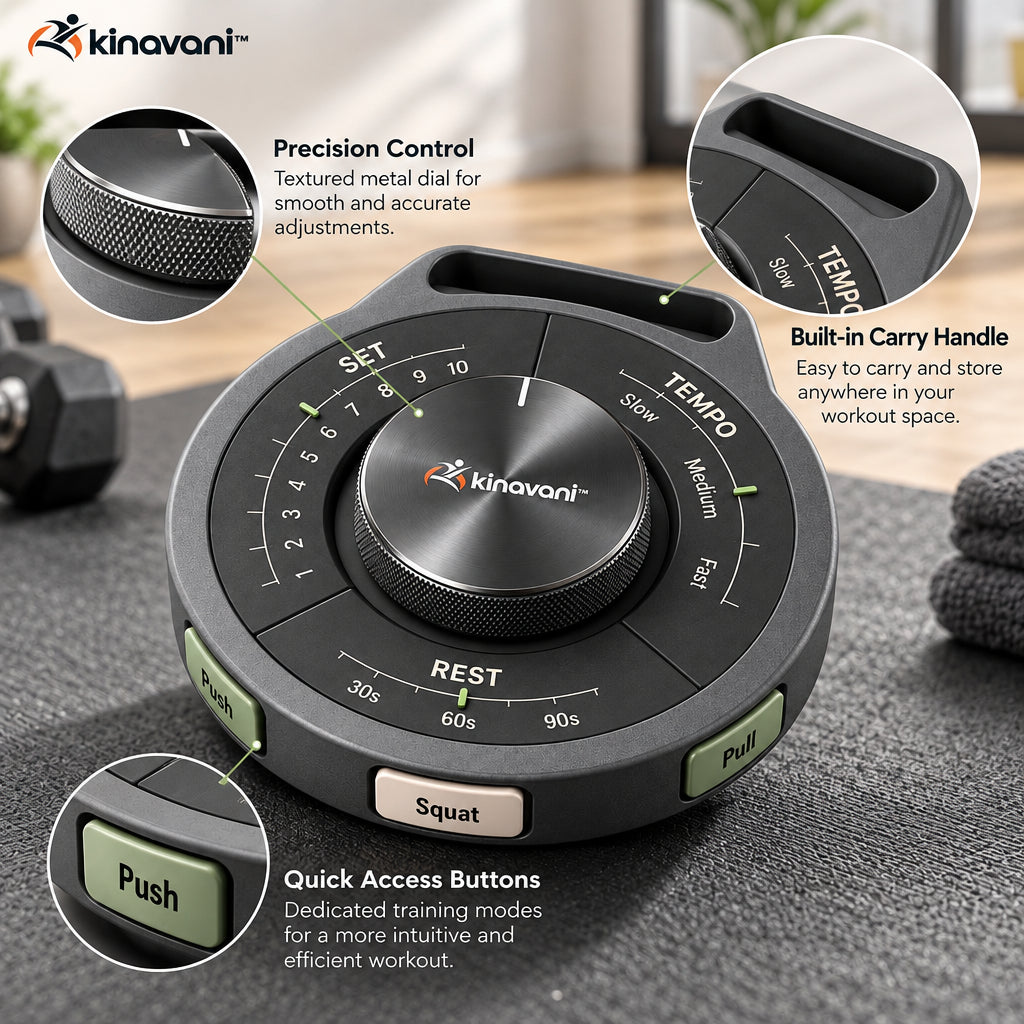
The numbered set area gives you a simple reference for workout progress. Update it manually between sets to keep track of where you are in the movement block.
Slow, medium and fast markings help you remember the pace you planned. They are visual cues for your own movement, rather than a sensor that measures repetition speed.
The rest area shows familiar interval cues, including 30, 60 and 90 seconds. Keep the chosen interval in view and use a separate timer when you need elapsed-time measurement.
02 / Thoughtful details
The large control gives you an easy-to-reach adjustment point between exercises. Turn it deliberately after completing a set rather than trying to update it mid-movement.
Visible exercise labels help connect the control with the movement block in your plan. Arrange the manual cues before starting so the next action is easy to recognize.
The circular body can sit beside your mat, on an equipment shelf or on a suitable low surface. Keep it within reach but outside the path of feet and moving weights.
03 / The design

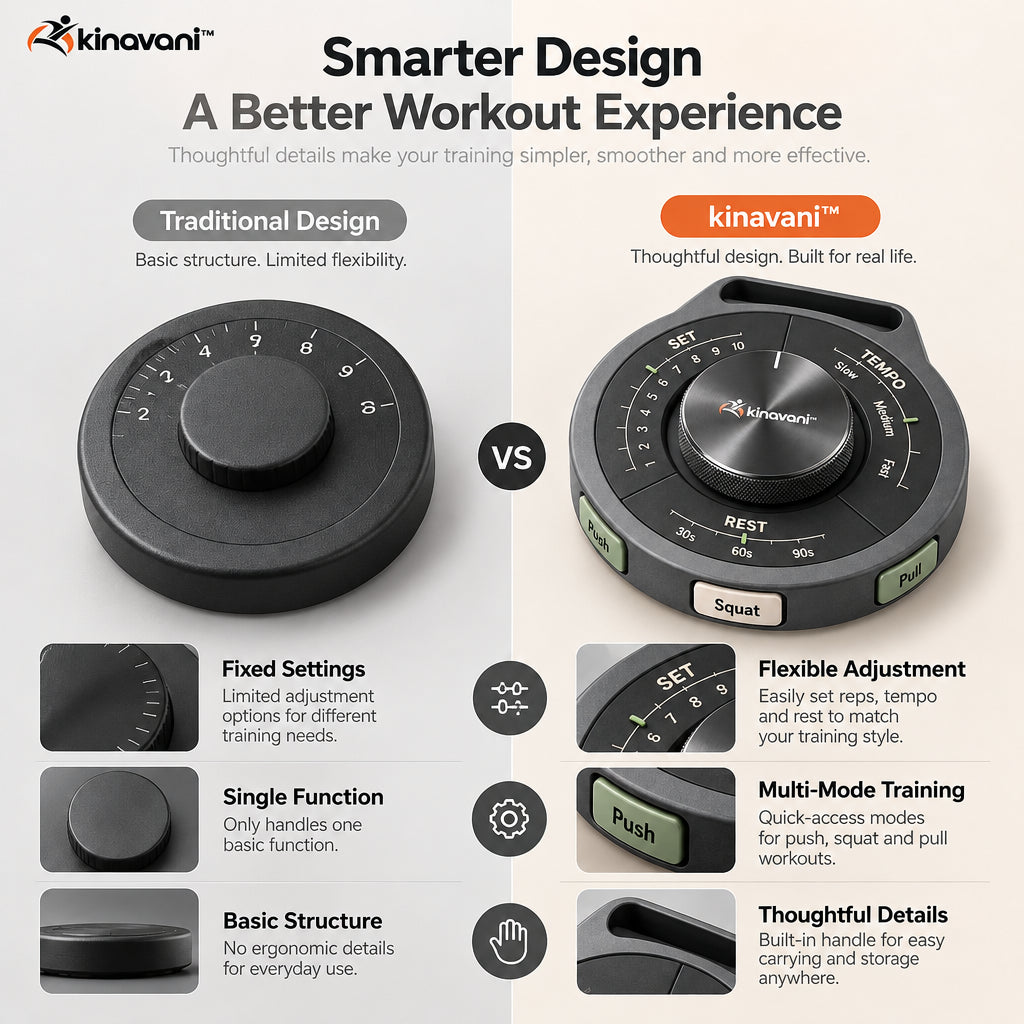
TempoTrack groups the cues for sets, pace and rest around one manual control. Use it as a physical reminder of the plan you already chose, and update it at the natural pauses between movement blocks.
04 / Your routine
Decide which exercise, set target and pace belong to the next part of your workout.
Position the manual dial and labels so the planned set, tempo and rest interval are easy to see.
Finish the movement safely, then turn the control to record your progress before starting the next set.
Check the completed block and reset the manual markers for the next exercise or your next session.
05 / Size & materials

Dimensions are approximate. Allow additional clearance for adjustment, access and the full movement of the intended exercise.
06 / Everyday placement
Keep the planned set count and pace near your equipment.
Use a compact physical reminder where you can see it between exercises.
Reset the dial for each movement block and keep your rest intention visible.
07 / Good to know
No. The supplied product information describes manual workout tracking. You update the markers yourself after completing each set.
Treat the printed interval as a visual reminder. Use a separate timer for an accurate countdown; the manual markings alone do not establish an automatic timing function.
The manual tracking layout does not require an app connection. It gives your workout plan a physical reference rather than recording digital workout data.
Choose a level surface where you can see and reach it between sets. Keep it clear of your footwork, the platform edge and any moving weights.